
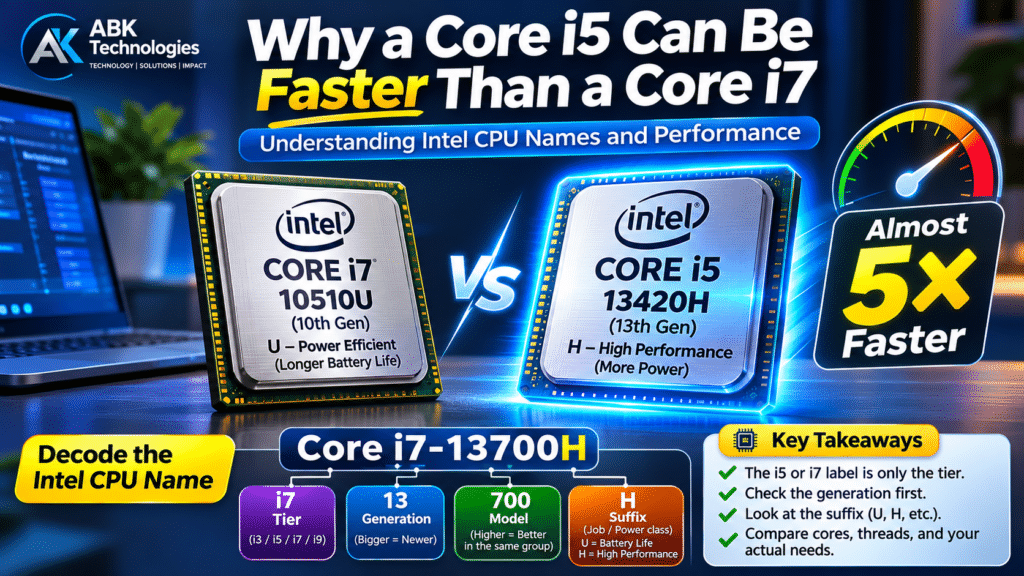
Have you ever wondered why a laptop with an Intel Core i5 processor can sometimes perform better than another laptop with an Intel Core i7?
At first, this might sound confusing. After all, most people assume that Core i7 is automatically better than Core i5. But that is not always true.
The truth is that the processor’s generation, model, power class, and architecture matter just as much as its i5 or i7 branding.
Understanding how Intel names its processors can help you make smarter decisions when buying a laptop or desktop computer.
Let’s break it down in simple terms.
1. What Is a CPU?
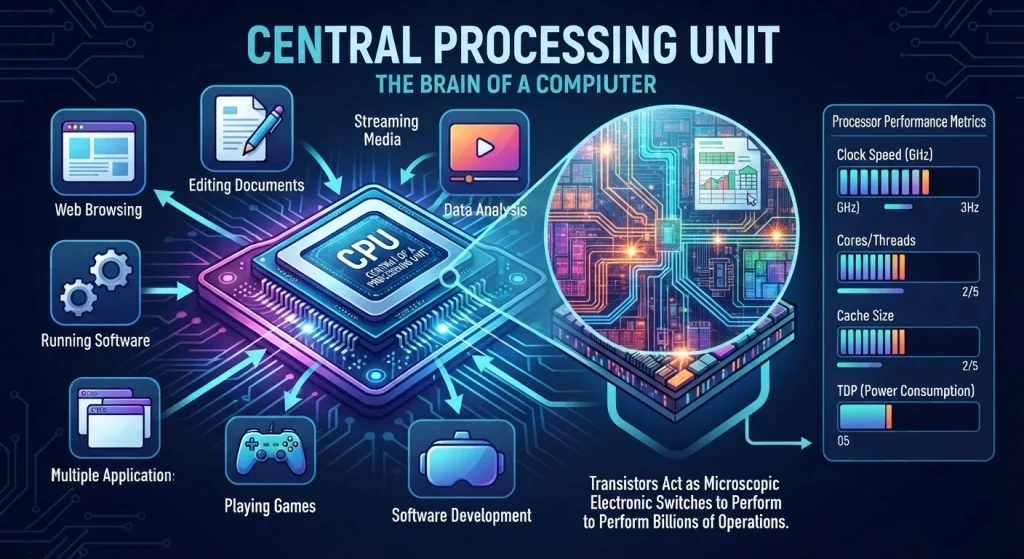
CPU stands for Central Processing Unit. It is commonly described as the brain of a computer because it processes instructions and performs calculations that allow your computer to operate.
Whether you are opening a web browser, editing a document, running software, playing games, or working with multiple applications, your CPU plays an important role.
Inside a modern CPU are billions of tiny electronic components called transistors. These components act like extremely small switches, helping the processor perform billions of operations.
However, not all CPUs are designed to deliver the same level of performance. This is where processor specifications become important.
2. Understanding Intel Core Processor Names
Let’s use the Intel Core i7-13700H as an example.
At first glance, this might look like a random combination of letters and numbers. However, each section provides useful information about the processor.
Intel Core i7-13700H
Let’s break it down:
Core i7 – The Performance Tier
The i7 represents the processor’s performance tier within Intel’s Core product range.
Traditionally, Intel has used these categories:
- Core i3: Entry-level computing, such as browsing, office applications, and everyday tasks.
- Core i5: Mid-range computing, suitable for multitasking, productivity, and many demanding applications.
- Core i7: Higher-performance computing, suitable for demanding workloads and heavier multitasking.
- Core i9: High-end computing, designed for particularly demanding workloads.
Think of these categories like clothing sizes: small, medium, large, and extra large.
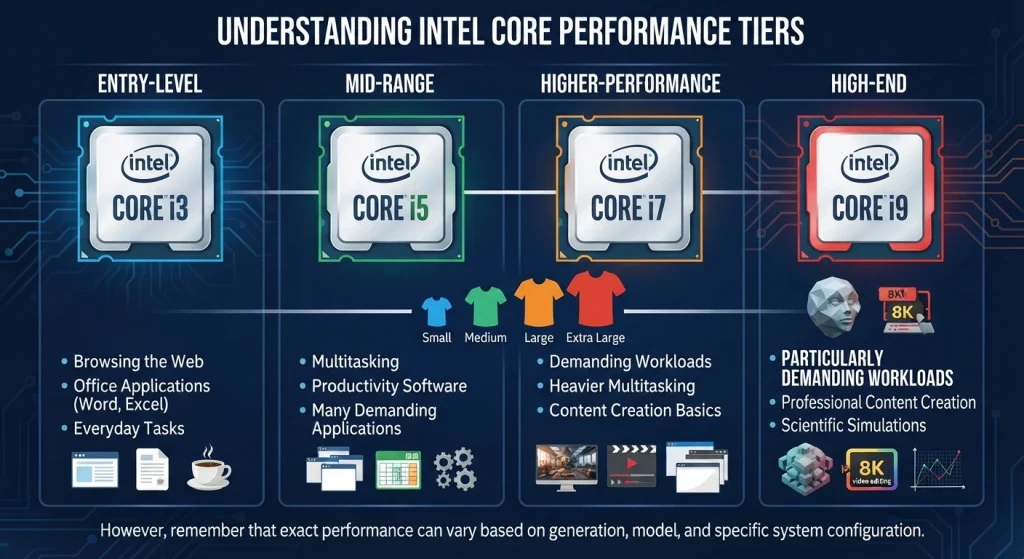
However, remember that the category alone does not tell you how fast a processor is. A newer Core i5 can outperform an older Core i7.
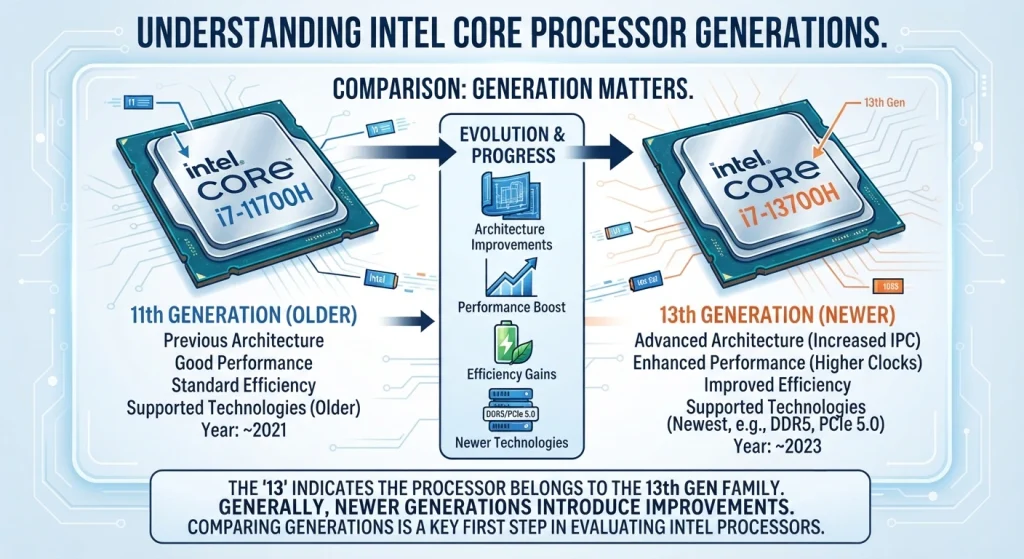
13 – The Processor Generation
The number 13 indicates that the Intel Core i7-13700H belongs to Intel’s 13th-generation Core processor family.
Generally, newer generations introduce improvements in architecture, performance, efficiency, and supported technologies.
This is why comparing the generation is one of the first things you should do when evaluating two Intel processors.
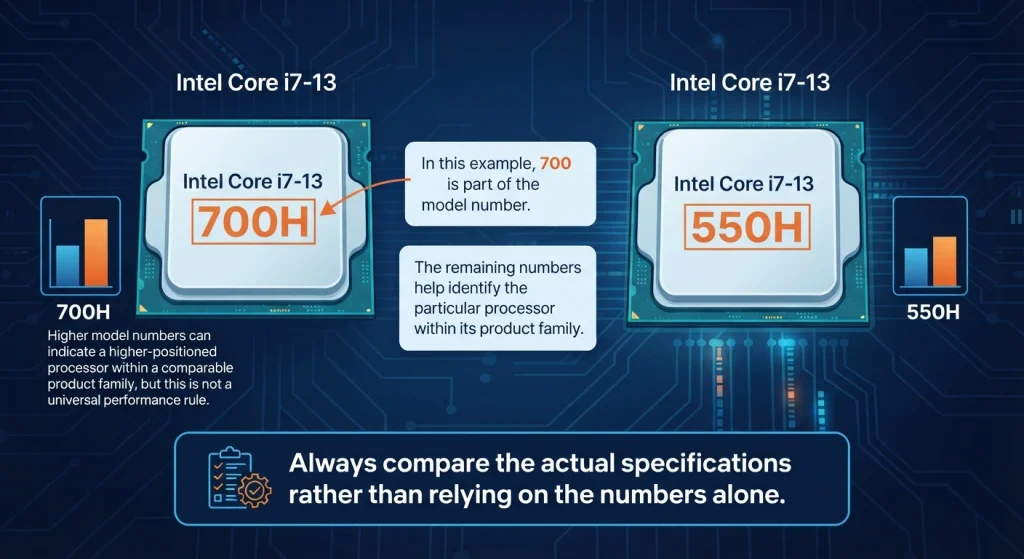
700 – The Model Number
The remaining numbers help identify the particular processor within its product family.
In this example, 700 is part of the model number.
Higher model numbers can indicate a higher-positioned processor within a comparable product family, but this is not a universal performance rule.
Always compare the actual specifications rather than relying on the numbers alone.
H – The Processor Suffix
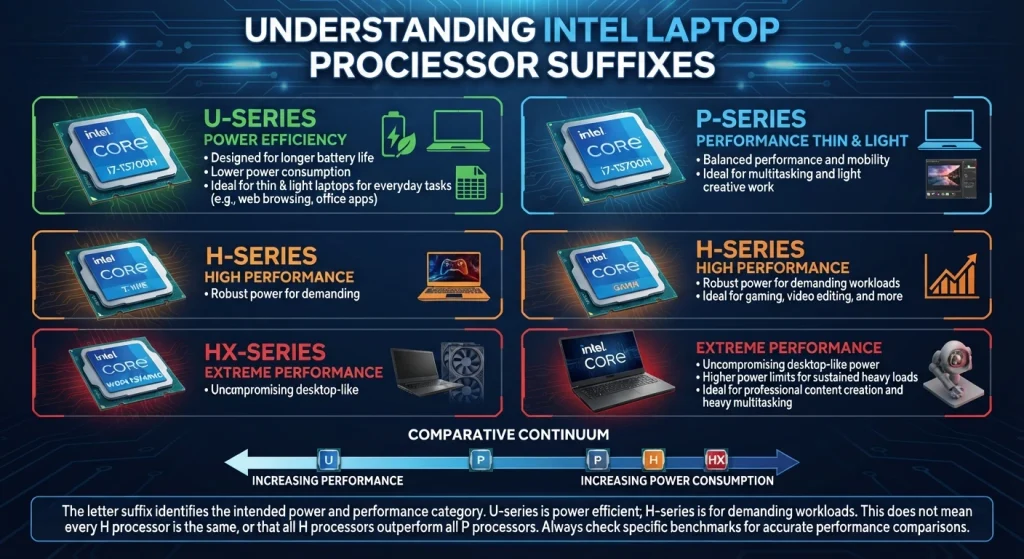
The letter at the end is particularly important because it helps identify the processor’s intended power and performance category.
Some common Intel laptop processor suffixes include:
- U: Designed for power efficiency and longer battery life.
- H: Designed for higher performance in laptops.
- HX: Designed for high-performance laptops, often with higher power limits.
- P: Designed for performance-focused thin and light laptops in the relevant Intel generations.
For example, a processor ending in U is generally designed to consume less power, while an H-series processor is designed to support more demanding workloads.
This does not mean every H processor is automatically faster in every situation, but it gives you an important clue about its intended use.
3. Why a Core i5 Can Beat a Core i7
Now let’s compare two processors:
Intel Core i7-10510U vs Intel Core i5-13420H
Many people would immediately choose the Core i7 because they believe i7 is always better than i5.
However, that would be an incomplete comparison.
Here is what makes these processors different:
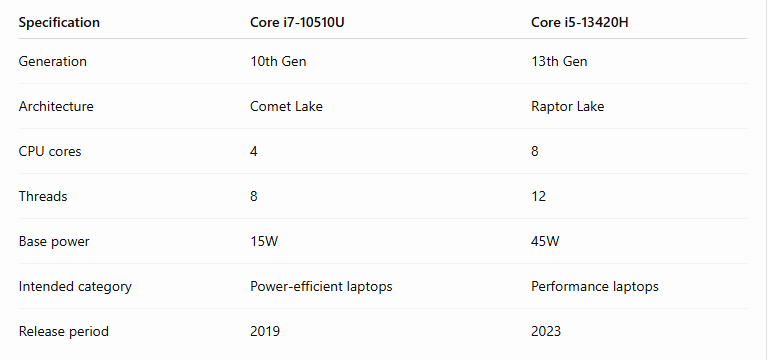
The Core i7-10510U is an older, power-efficient processor designed primarily for thin laptops.
The Core i5-13420H is a newer processor with twice as many CPU cores, a newer architecture, and a higher power class.
Consequently, the Core i5-13420H delivers substantially better performance in many demanding workloads, particularly multi-core tasks.
The exact performance difference depends on the application, cooling system, laptop configuration, and benchmark being used. It would therefore be misleading to claim that it is always five times faster.
The important lesson is this:
A newer Core i5 can outperform an older Core i7. The processor generation and specifications matter more than the i5 or i7 label alone.
4. What Should You Check Before Buying a Laptop?
If you are planning to buy a laptop, do not simply ask whether it has a Core i5 or Core i7 processor.
Instead, consider these five factors:
1. Processor Generation
Check whether the processor belongs to a newer or older generation. A newer generation can offer significant improvements over an older one.
2. Number of Cores and Threads
Cores help a processor handle multiple tasks, while threads allow it to manage multiple instruction streams. More cores and threads can improve performance in applications that support parallel processing.
3. Processor Suffix
Check whether the processor is designed for power efficiency or higher performance. U, H, and HX are examples of useful suffixes to understand.
4. Clock Speed
Clock speed, measured in gigahertz (GHz), indicates how quickly a processor operates. However, a higher clock speed does not automatically mean a faster CPU because architecture, core count, and other factors also matter.
5. Your Intended Use
Think about what you want to do with the computer.
- Office work and browsing: A modern entry-level or mid-range processor may be sufficient.
- Programming and multitasking: A modern Core i5 or equivalent processor can be a good starting point.
- Video editing and content creation: Consider processors with stronger multi-core performance.
- Gaming: Look at CPU performance alongside the graphics card (GPU).
- Virtualisation and demanding development environments: More cores, sufficient RAM, and strong overall system performance become particularly important.
5. The Biggest Mistake People Make When Comparing CPUs
One of the most common mistakes when buying a computer is assuming that a Core i7 must always be better than a Core i5.
This assumption can lead you to purchase an older laptop at a higher price when a newer laptop with a lower-tier processor could deliver better performance.
Intel’s processor naming system gives you useful information, but it does not tell the entire story.
You should also consider the processor’s architecture, core count, power limits, cooling system, memory, and real-world benchmark results.
Remember that the CPU is only one component of the computer. A powerful processor paired with insufficient RAM or slow storage may still deliver a disappointing experience.
Conclusion: Look Beyond the i5 and i7 Labels
The next time someone tells you that their laptop is better because it has an Intel Core i7 processor, ask them one question:
Which generation?
A processor’s performance cannot be determined by its i5, i7, or i9 branding alone.
Always check the generation, model, suffix, core count, and intended workload before making a decision.
Technology keeps evolving, and understanding processor specifications helps you avoid paying more for an older machine simply because it carries a higher marketing label.
The next time you compare two processors, remember: Don’t just compare the i5 and i7. Compare the complete processor name and specifications.
Related articles
Understanding Linux File Permissions and Ownership: A Beginner’s Guide
Have you ever tried opening a file in Linux and received a message saying “Permission denied”? Perhaps you attempted to edit a configuration file,…
Read article
Practical Technology Solutions for Businesses, Churches and Organisations: Understanding ABK Technologies’ New Service Packages
Technology has become an important part of how businesses operate, communicate with customers, deliver services, and grow. Whether you run a small business, manage…
Read article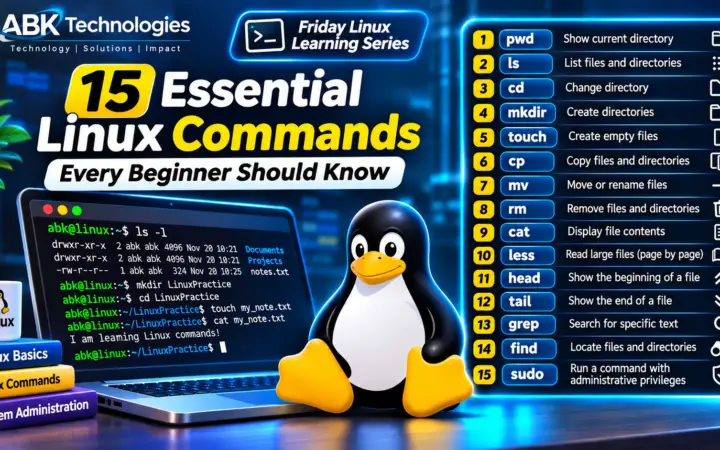
15 Essential Linux Commands Every Beginner Should Know
If you have recently started learning Linux, one of the first things you will notice is how much work can be done through the…
Read article← Practical Technology Solutions for Businesses, Churches and Organisations: Understanding ABK Technologies’ New Service Packages
Python Automation 2026 — Part 4: Automating Emails, Reports, and Business Documents with Python →
Leave a comment